Player count by platform
| Platform | Local (same screen) | Online | Online requirement | Source |
|---|---|---|---|---|
| PC (Steam / Epic / MS Store) | 4 | 4 | None; Epic Games Launcher for Steam ↔ Epic | Steam: “up to three friends” |
| PS5 | 4 | 4 | PS Plus | PlayStation Store |
| Xbox Series X|S | 1–4 | 1–4 | Eligible Game Pass plan | Xbox Store |
| PS4 | 2 | 2 | PS Plus | Official PS4 release post |
| Xbox One | 1–2 | 1–2 | Eligible Game Pass plan | Xbox Store |
| Nintendo Switch | 1–2 | 1–2 | Nintendo Switch Online | Nintendo eShop |
| Nintendo Switch 2 | 1–2 | 1–2 | Nintendo Switch Online | Nintendo eShop |
| iOS / Android | — | 2 (invite a friend) | None | App Store / Google Play |
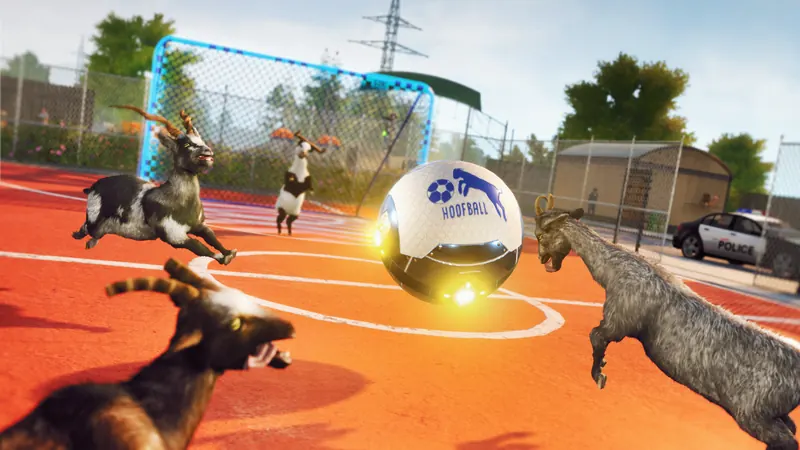
The four-player claim on the official homepage applies to PC and the current-generation consoles. PS4 and Xbox One were released in October 2024 with two-player split-screen and two-player online, and both Switch listings say “up to 2 players”.
How to start local split-screen
PC
- Connect at least one Xbox-compatible controller for the second player (keyboard and mouse stay with player one).
- Start or load a game, then press a button on the extra controller to join.
- Repeat with more controllers for up to four players.
Xbox
- Turn on two or more controllers.
- On the second controller, sign in to a profile or choose Add Guest.
- Press a button in-game to join the session.
PS5 / PS4
- Turn on a second controller.
- Sign it in to a second PlayStation account or use Quick Player.
- Join from the game; PS4 stops at two players.
Online co-op and crossplay
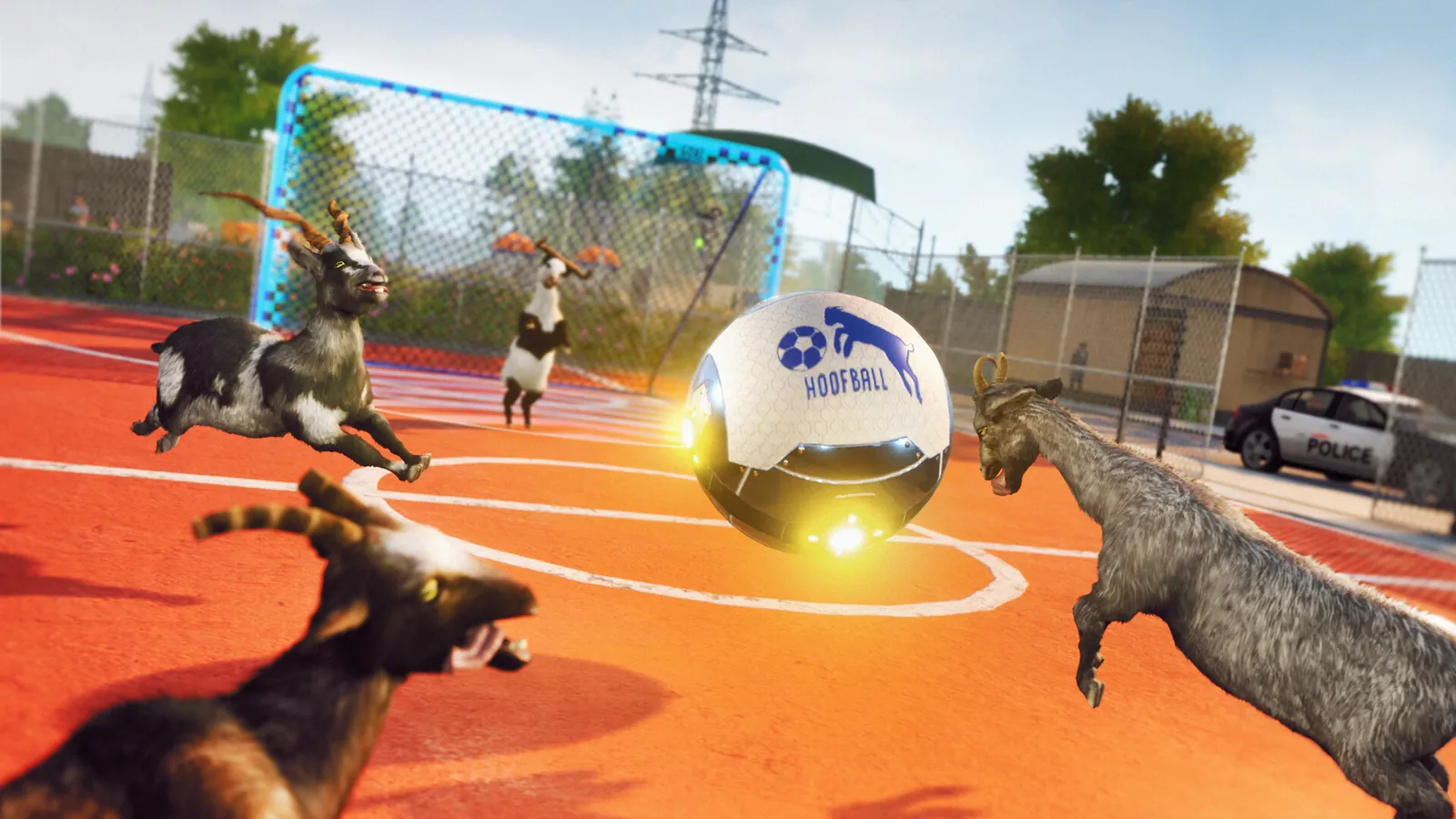
Online sessions are invite-based through the in-game Friends menu. That menu only lists friends on your own platform, which is why players sometimes think the game has no online mode at all. Cross-platform invites only work in the three supported pairs on the crossplay page.
PC players on Steam still need the Epic Games Launcher to join Epic friends. Mobile uses session codes: Invite Friend creates the code and Join Friend enters it.
DLC in multiplayer
DLC is not a separate app: once bought, it appears inside the base game and its gear shows up under Wardrobe → Add-ons. The owner can use their DLC content in their own session. Whether a friend without the DLC can enter a DLC map in your session is not stated anywhere in the official Support material, so I do not promise it here. See the DLC list for what each pack adds.
If multiplayer is not working
- “Connection Failed (GS3-NF-40)” is a NAT problem. Forward TCP and UDP port 8571, especially on the host.
- “Error code 17” means a version mismatch. Update every player to the latest patch.
- Friend not in the list? You must be on the same platform (or a supported crossplay pair) and both own the game.
Full steps are on the errors page.
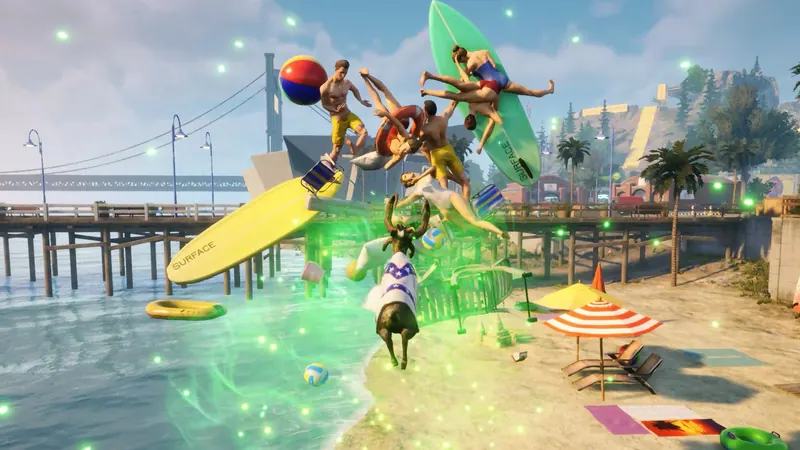
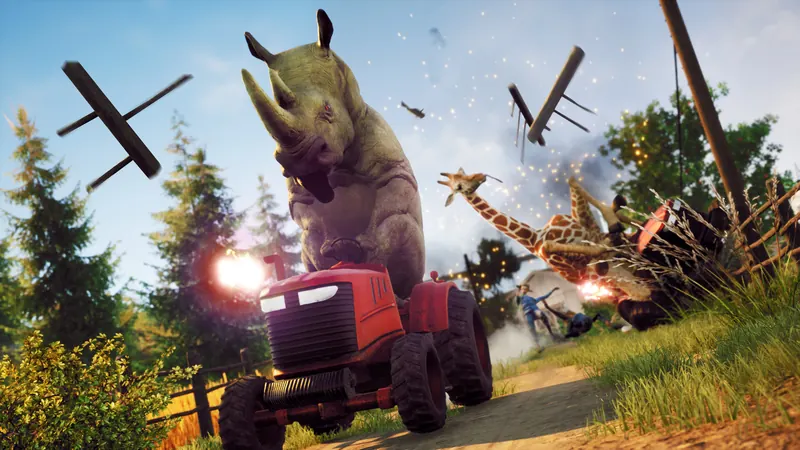
The launch trailer shows four-player chaos in San Angora. Video: Coffee Stain North on YouTube, uploaded 2022-11-17. The player loads only after you press play.
Questions people ask
Can I play 4 players on PS4?
Does Goat Simulator 3 multiplayer work offline?
Can DLC owners play with friends who do not own the DLC?
How do I enable split-screen on PC?
Sources
- Official Goat Simulator 3 Support — crossplay guide, split-screen steps, error GS3-NF-40, port 8571, error code 17 (checked 2026-11-21)
- Official Goat Simulator 3 site — game description, 4-player co-op, news index (checked 2026-11-21)
- Steam store page (app 850190) — price, sale price, system requirements, 74 achievements, languages, reviews (checked 2026-11-21)
- PlayStation Store game page — PS5 4/4 players, PS4 release 2024-10-24, editions, sale price (checked 2026-11-21)
- Xbox Store page — player counts, Game Pass, Cross-Gen Multiplayer, 4K/60 (checked 2026-11-21)
- Nintendo eShop: Switch — 2.4 GB, 1–2 players, Digital Downgrade DLC (checked 2026-11-21)
- Nintendo eShop: Switch 2 — 7.8 GB, 1–2 players, GameShare, languages (checked 2026-11-21)
- Official update post: PS4 & Xbox One release — 2-player split-screen and online, cross-ownership, patch 1.1.0.4 (checked 2026-11-21)